
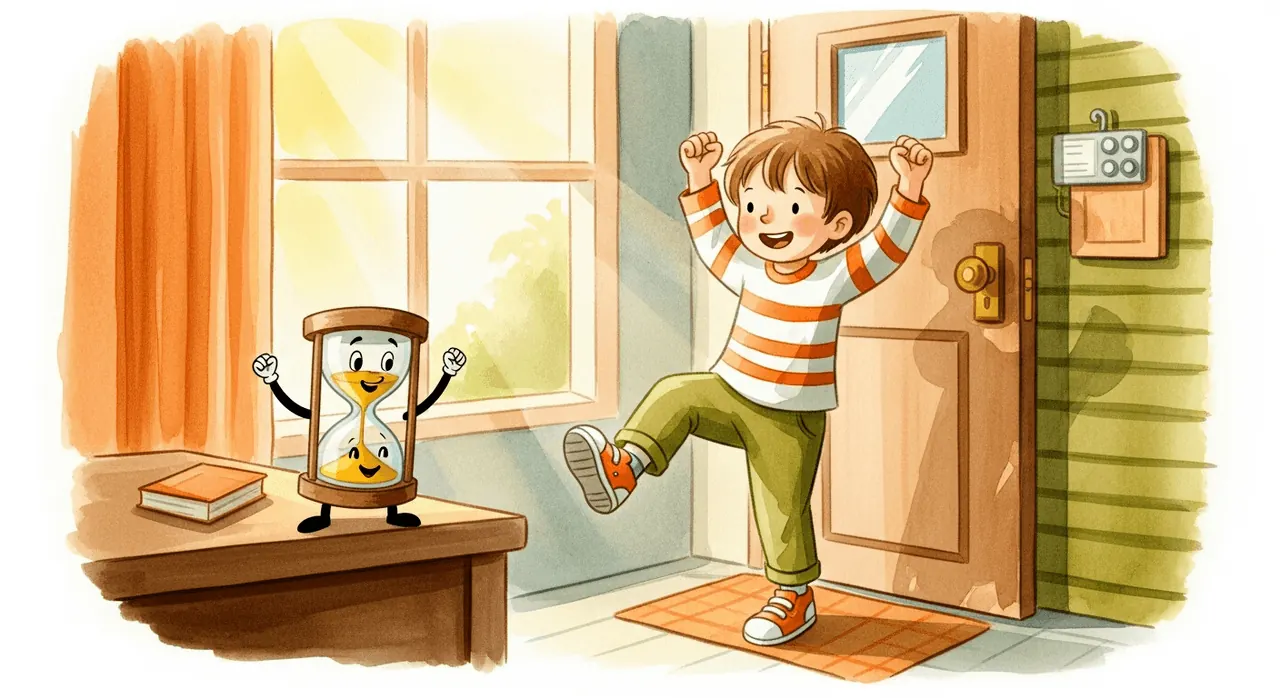

Make the next step easy to see
- Lay out comfortable clothes beforehand. If your child likes choosing, offer two outfits rather than an open-ended search.
- Name the first action: “Put your feet into these trousers.” Save the next instruction until that step is underway.
- Agree on a manageable goal before introducing the timer. A shirt and trousers may be a better first goal than the whole morning routine.
- Offer help with the difficult part: “I’ll hold the sleeve while you put your arm through.”
- Follow dressing with a visible next step: shoes, coat, then the door. A simple picture checklist can show that sequence.
If starting is the hardest part
Join your child for the first action. “Let’s do the socks together” gives a clearer starting point than “We’re late.” If they are engrossed in play, tell them what comes next and allow a moment to finish the current action.
If your child loses track of the next step
Keep the clothes in order and point to the next item. A timer shows time passing; a checklist shows what to do. Use both if that combination is useful, and keep giving practical help.
Music and visuals make “five minutes” concrete
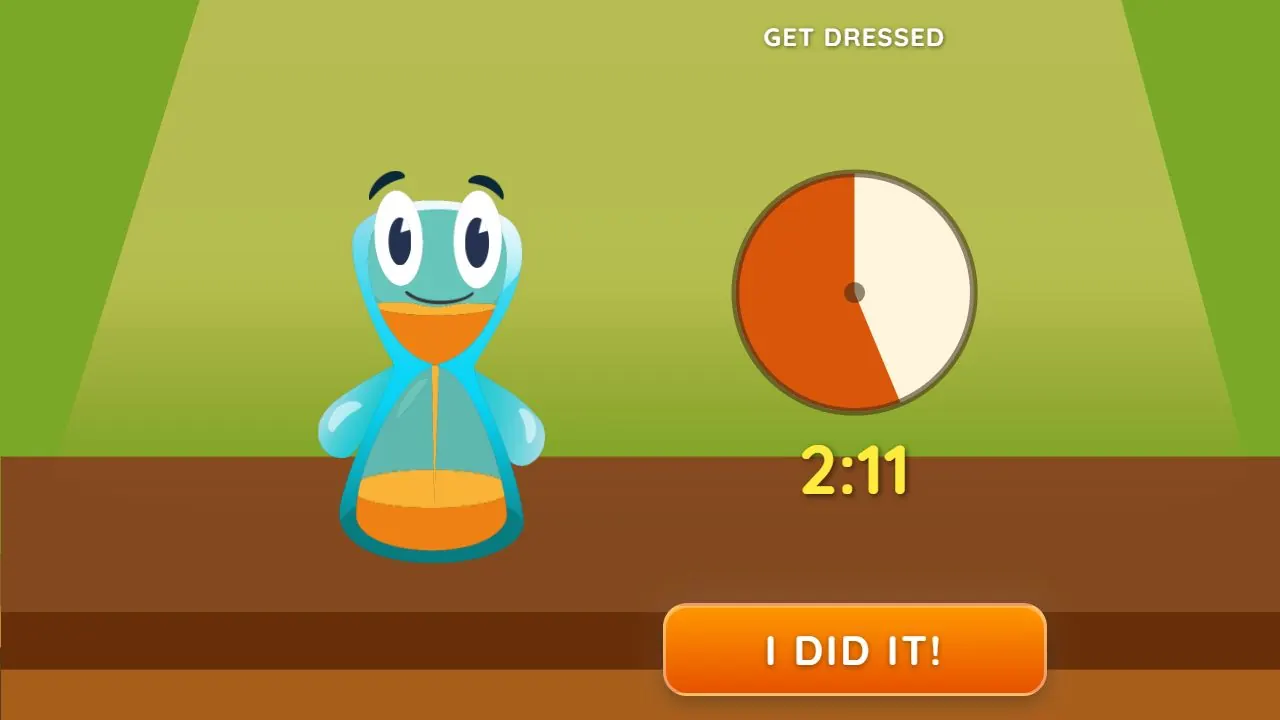
“Be ready to leave in five minutes” can be hard for any child to picture. Lickety Split makes time something they can hear and see: the music continues while hands and eyes are busy, and the animated timer shows progress whenever they look. The song speeds up as time runs out, adding a playful cue.
We tested and selected the task songs to make everyday routines playful and encouraging, rather than pressuring, for most children. Every child is different. Listen together and notice which music and pace feel right for your child.
To use a favorite, choose Your Song, Your Length (Custom Song in older versions of the app) in either timer menu and pick a song stored on your device. Choose one with a length that suits the task; the song’s own length becomes the timer, and the visual timer follows along. Use it in the iPhone or Android app, or in a browser on Android. On iPhone, use the installed app to choose your own song.
When dressing is done but leaving is still difficult
Put shoes and bags in a predictable place. Give the leaving cue when the remaining steps are genuinely achievable. The app’s leaving task is a cue for getting ready to go, not a promise that an entire morning can fit into five minutes.
Musical and visual timers are useful everyday tools for all kids. Autistic children and children with ADHD can find the same cues especially helpful for getting started and following a transition. These guides offer specific ways to introduce them.
Lickety Split
Try Get Dressed with Beat the Timer
Choose Beat the Timer, then Get Dressed. Explain the goal first: “Let’s get your clothes on before the song ends. I’ll help.” When the agreed task is finished, your child taps “I did it!” If the duck joins in at the end, keep the moment lighthearted and encouraging so your child can look forward to trying again.
Words to try
“Let’s get your clothes on before the song ends. I’ll help with the sleeves.”
Related guides
How to help kids clean up toys and tidy their room
Turn “clean your room” into one manageable job. Try a clear sorting target, a grown-up’s first example and a visual and musical cleanup timer.

A children’s bedtime routine: pyjamas, teeth and reading
Make the next bedtime step clear with prepared pyjamas, brushing together and reading. Choose musical or visual cues that suit your child.
How to help your child brush their teeth for at least two minutes
Build a toothbrushing routine with adult help, music and visual progress working together. See how Lickety Split makes brushing for at least two minutes playful.