Lickety Split

See time passing. See what comes next.

Lickety Split is a visual and musical timer for kids. Each everyday task has its own music, which speeds up as time runs out, while an animated character acts out the task and a Time Disc drains, so “five minutes” becomes something a child can see and hear. Picture routines show what is happening now, what comes next and what is finished, from getting dressed to bedtime. Free on iPhone, iPad, Android, Fire tablets and the web.

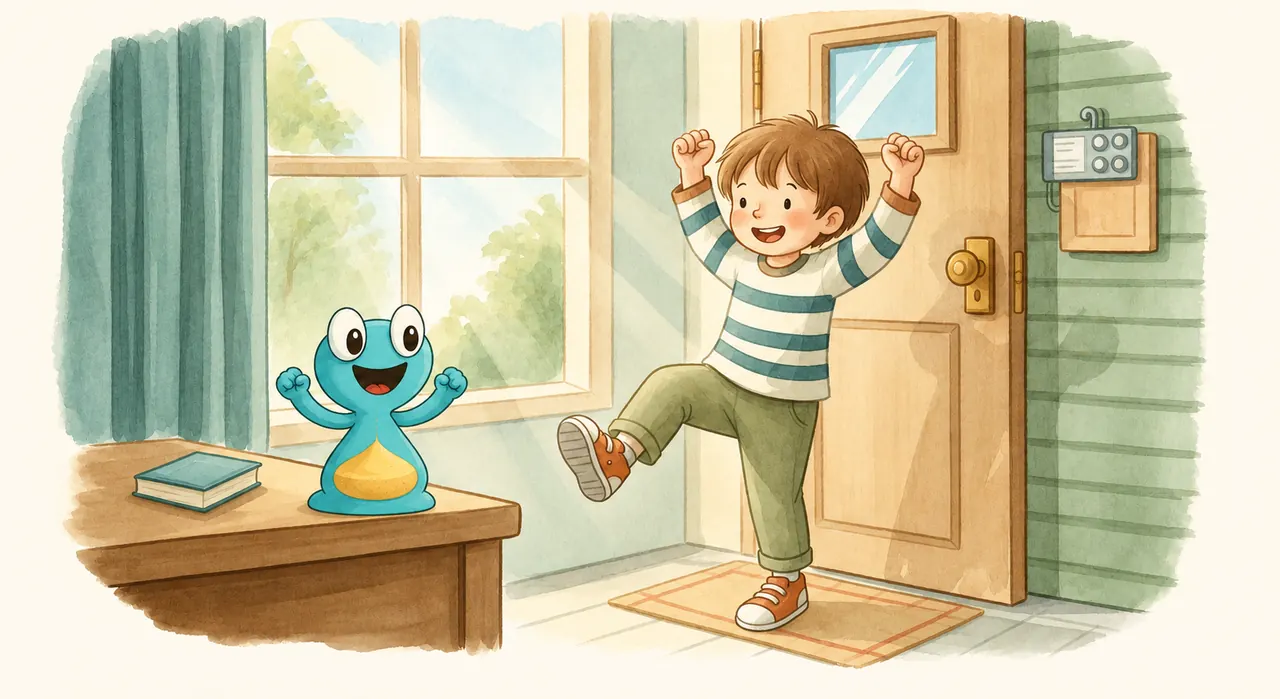
Child cheerfully bouncing through a sunlit room with the Lickety Split hourglass character

Lickety Split — Musical & Visual Timer

See time. Hear time. Music, a moving character and a clear visual clock.

Getting dressed, tidying up, brushing teeth and more.

Picture cards make a familiar routine easy to follow.

Picture plans, completed moments and room for change.

An everyday goal to think about together, then reflect on later.

Watch on YouTube

Making Time Tangible

“We need to leave the house in five minutes.” “Brush your teeth for a full two minutes.” …these statements meant little to our preschoolers, so they would blithely ignore them.

“Take turns with your sister.” “Get ready for bed.” …we were getting tired of nagging. So we decided it would be more fun to make it a game, using music and encouragement.

Music and visuals reinforce each other: the song carries the time cue while your child’s eyes and hands are busy, and the animated timer shows the same progress whenever they look. Each task has its own carefully selected song, which speeds up as time runs out.

Why it works

Young children don’t yet have an adult’s sense of time. “Five minutes” is an abstract idea to a preschooler, and the skills that help with waiting and keeping going take years to grow: research shows the prefrontal cortex, which handles focus, self-regulation and executive function, is among the last parts of the brain to mature, continuing into early adulthood (Gogtay and colleagues, 2004).

So Lickety Split doesn’t ask children to imagine time; it lets them hear it and see it. Music is a pathway young children already follow: a song has a beginning, a middle and an end, and when it speeds up, the end is near. The animated timer shows the same thing at a glance, for the moments they look up.

Visual timers have been studied, in small studies. With a visible timer during a maths test, 44 children aged 7 to 9 were less anxious beforehand and less inattentive during it, though their scores didn’t change (Hallez and Vallier, 2025). In a single-case study, a visual timer helped a child with developmental disabilities learn to wait for up to ten minutes (Grey and colleagues, 2009). Lickety Split itself hasn’t been studied, and no timer replaces a grown-up’s help.

Lickety Split is for all kids’ everyday routines, with preschoolers and early elementary schoolers in mind, and for the grown-ups who help them: parents, preschool and kindergarten teachers, and occupational therapists. Autistic children can find the same paired cues especially helpful for starting tasks and moving between activities. Children with ADHD can find the combined cues especially helpful for getting started and following time while their eyes and hands are busy with the task. Many families use it as a transition timer: the same song before leaving the house, every day.


Two Kinds of Timers

Plus the Anything Timer and your own songs.

Beat the Timer

Six tasks to race the music

The goal is to finish the task — like getting dressed or making the bed — and tap “I did it!” before the music runs out. If the music gets there first, the duck wins.

  1. Getting ready to leave in five minutes
  2. Getting dressed
  3. Getting ready for a meal
  4. Cleaning up your room
  5. Making your bed
  6. Getting into PJs
Count Down

Four tasks to keep going

Some things take a set amount of time. Here the goal is to keep going until the music ends — then comes a happy laugh and a “Fantastic! You did it!”

  1. Brushing teeth (for at least two minutes)
  2. Taking turns
  3. Reading time
  4. Study time

Anything Timer and your own songs

Need a timer without a set task? The Anything Timer runs for about 1, 2, 3, 4, 5, 10 or 20 minutes, in either mode. Or pick a song stored on your device and its length becomes the timer, so the timer fits your family, not the other way around. (Your own songs work in the iPhone and Android apps.)

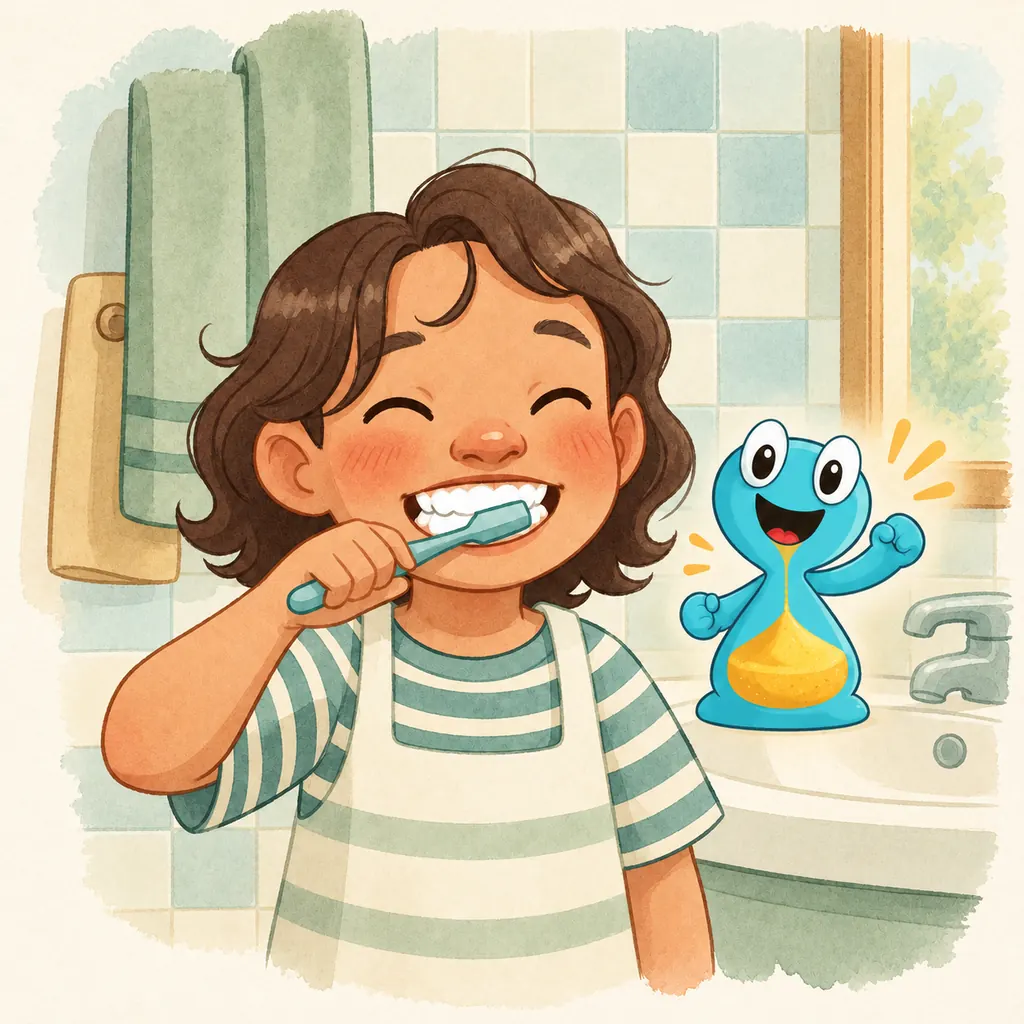
A child brushing teeth at a bathroom sink
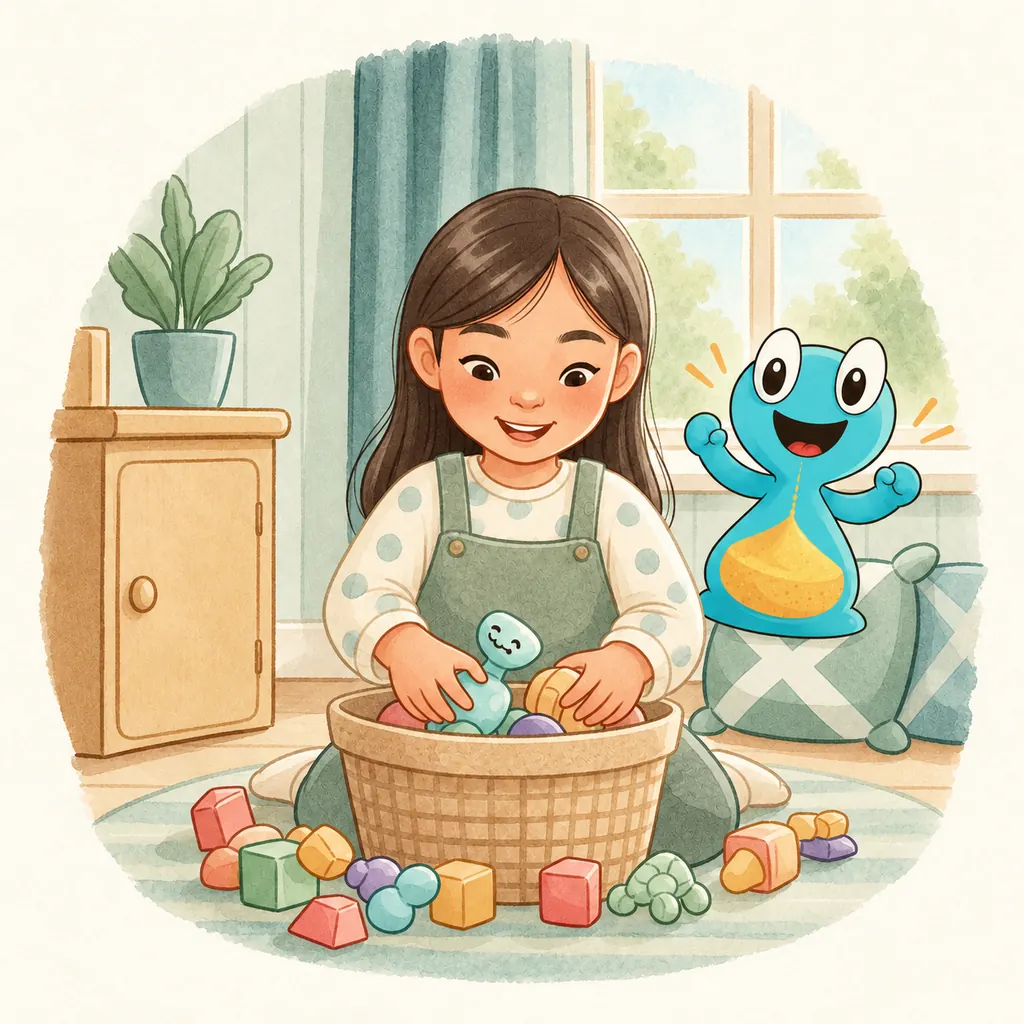
A child cheerfully tidying up scattered toys

From one task to a day you can picture

A visual timer shows how time is passing. A visual schedule shows the order of activities. Use either on its own, or bring them together in a routine your family makes.

Picture routines: now, next, finished

Routines put the day’s tasks in order as picture cards. Between tasks, a Now and Next card shows what is happening and what comes next, in the tasks’ own pictures; a finished card goes in the Finished pocket. A step can be one of the app’s tasks or one of your own, named in your words. Many children find routines easier when they can see what is now and what comes next.

Try a visual schedule with your child

Your tasks, your songs, your voice

Add a family task such as ‘Shoes on’, choose from 36 everyday pictures and record your own prompt. Choose from 15 bundled music recordings or songs stored on your device; a song’s actual length sets the timer. On iPhone, owned songs can come from Music or Files. Streaming tracks from Spotify or Apple Music cannot be imported.

My day: planning and family reflection

Plan one day or repeat activities on weekdays in a week or month calendar. Up to six profiles keep routines, memories and goals separate. Optional reflections invite conversations about kindness, patience, courage and perseverance, with words, drawings or a voice story. Thirteen companions join after family-acknowledged effort; a matching necklace appears after ten reflected attempts. There are no streaks or automatic moral judgements.

Music Practice with Beaty

Play, sing or clap while Beaty, a musical-note conductor, responds with dances. Set a flexible goal in minutes over days or weeks, take breaks and add missed practice. Practice is included in Premium, needs a microphone and is unavailable on TV. Sound is processed on the device without recording or uploading; Beaty does not grade musical accuracy.

Intrinsic motivation and a growth mindset

Our design aims to make room for ‘I did it’ and ‘I can try again’: manageable goals, choices, help from a grown-up and noticing effort. Reflection and goal setting offer ways to talk about perseverance, empathy and learning from a difficult day. These are design principles, rather than a claim that the app has been shown to change a child’s mindset or attention.

Is Lickety Split free, and what is in Premium?

Timey, the timer modes, picture routines, My day and custom tasks are free. Optional Premium adds five story characters — train, unicorn, bee, caterpillar and dinosaurs — plus Music Practice with Beaty, for US$2.99 a year in the US. Existing subscribers keep their previous price. Other countries use local store pricing. Everything on the web is unlocked free for a limited time.

Premium renews automatically each year unless cancelled. Manage it in the subscription settings of the App Store, Google Play or Amazon where you subscribed, following that store’s deadline. Use Restore purchases after reinstalling or moving to a new device. On the App Store, one subscription covers everyone in your Apple Family Sharing group.

Questions parents ask

What is Lickety Split?

Lickety Split is a visual and musical timer for kids: each everyday task has its own song and animation, so children can hear and see time passing instead of being told “five more minutes”. It is made by Swirly Studios and runs on iPhone, iPad, Android, Amazon Fire tablets and in any web browser. Outside English it has local names, such as Ruck Zuck! in German, In Un Lampo in Italian and できたよ タイマー in Japanese.

What is a visual timer?

A visual timer shows time passing as something a child can watch shrink or change, instead of as numbers. Young children can’t yet judge how long a minute is, so a visible countdown makes “how much longer?” concrete. Lickety Split’s Time Disc drains like the timers children know from class and therapy, and its music speeds up as time runs out, so a child can follow it while their eyes and hands are busy with the task.

How do I make a visual schedule for my child?

In Lickety Split, a routine is a visual schedule: put the tasks of a part of the day in order, and your child moves through them with a Now and Next card, in the tasks’ own pictures. Start small, with two pictures (now and next), point to the picture and say it once, and help a little less each day. Let your child put each finished card in the Finished pocket themselves.

Who is Lickety Split for?

Lickety Split is for all kids’ everyday routines, with preschoolers and early elementary schoolers in mind, and for the grown-ups who help them: parents, preschool and kindergarten teachers, and occupational therapists. It was developed by parents and educational technologists, for family routines and for classrooms.

Is Lickety Split free, and what is in Premium?

Yes: Lickety Split is free to download and has no ads. Timey, the timer modes, picture routines, My day and custom tasks are free. Optional Premium adds five story characters — train, unicorn, bee, caterpillar and dinosaurs — plus Music Practice with Beaty, for US$2.99 a year in the US. Existing subscribers keep their previous price. Other countries use local store pricing. Everything on the web is unlocked free for a limited time.

Is Lickety Split safe for my child? What data does it collect?

Family-written names and stories are not sent to Swirly Studios. There are no app accounts, ads or behavioral tracking. RevenueCat processes Premium receipts and an installation identifier; Sentry processes restricted technical error reports.

Ready to make routines fun?

No ads, no tracking and no accounts. Nothing your family makes is sent to us; the timers, music and characters work offline.

Swirly Studios in your language

These pages are available in eleven languages. Pick the one that feels like home.