
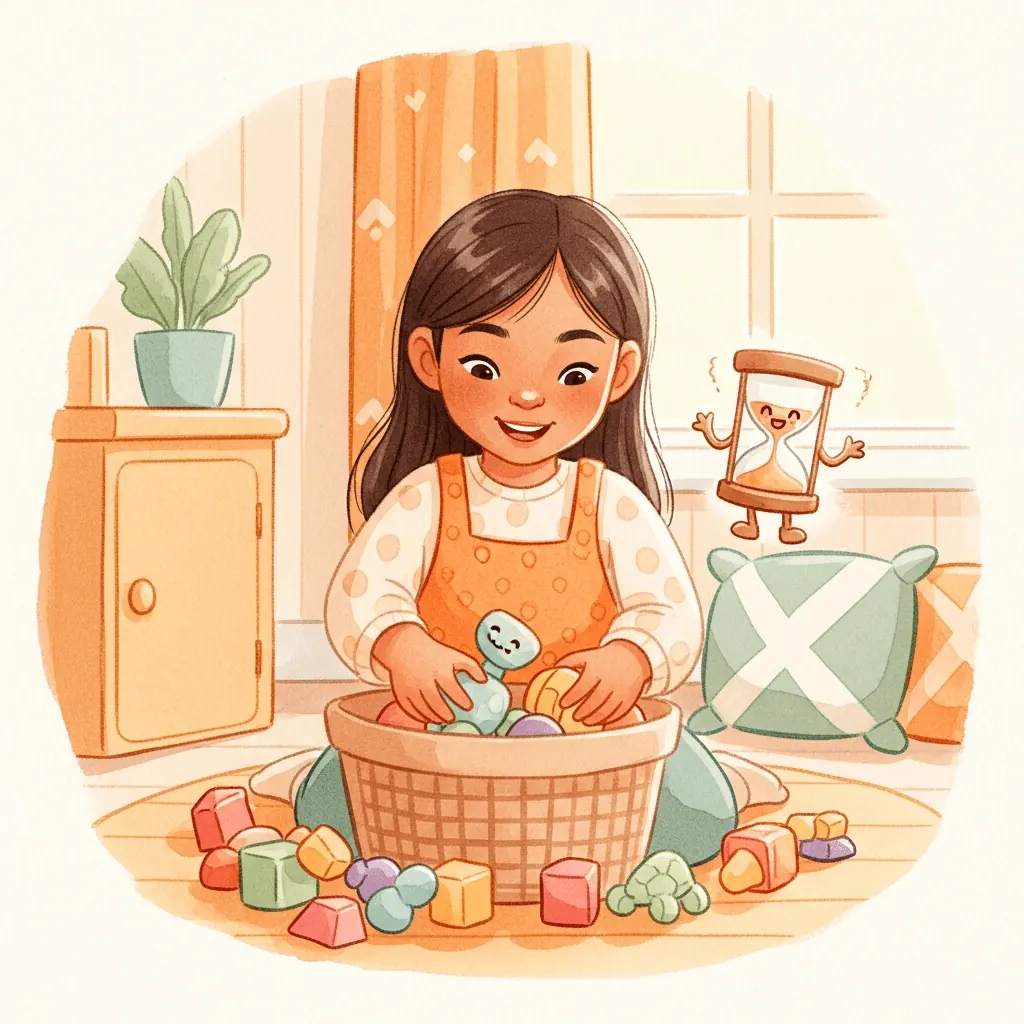

Start with one toy category
- Choose a visible target, such as the blocks beside the rug. Leave the rest of the room for another step.
- Make the destination obvious: “These blocks go in this box.” A picture on the box can show what belongs there.
- Offer a choice of starting job: blocks or toy cars. Keep the number of options small.
- Model the first action, then tidy together: “I’ll collect these; you put those in the box.”
- Pause after the agreed job. Notice what is done, then decide whether another small step is realistic.
If starting is the hardest part
Point to one item rather than the whole room. “Can you put this car in its basket?” is an easier invitation to understand than “Tidy everything.” If they are still playing, preview the change and agree where an unfinished construction can stay.
If the room feels overwhelming
Reduce the goal again. You can do one shelf, one basket or a few toys together. If there is no clear storage place, fix that first. The timer cannot decide where things go or make a task physically easier.
Let music and pictures carry the time cue together
A familiar cleanup song gives the job a beginning and an ending while the visual timer shows progress. Your child can keep listening while looking at toys, then glance at the pictures to see how time is moving. The music speeds up as the ending approaches.
We tested and selected the task songs to make everyday routines playful and encouraging, rather than pressuring, for most children. Every child is different. Listen together and notice which music and pace feel right for your child.
To use a favorite, choose Your Song, Your Length (Custom Song in older versions of the app) in either timer menu and pick a song stored on your device. Choose one with a length that suits the task; the song’s own length becomes the timer, and the visual timer follows along. Use it in the iPhone or Android app, or in a browser on Android. On iPhone, use the installed app to choose your own song.
If your child needs a clearer sequence
Use a short sequence, such as blocks, books, then finished. Musical and visual time cues are useful for all kids learning to follow everyday routines. Autistic children and children with ADHD can find those cues especially helpful; our dedicated guides explain ways to introduce them and find a comfortable song and pace.
Lickety Split
Try the cleanup task with a small goal
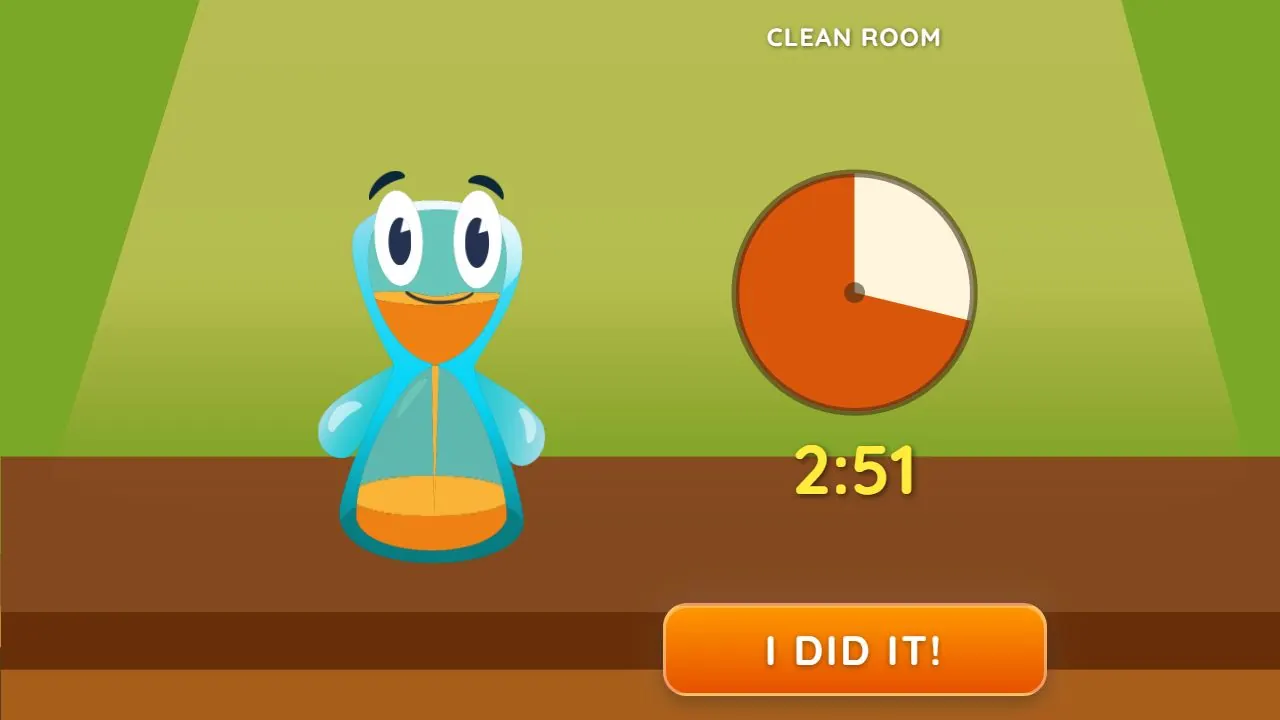
Choose Beat the Timer, then Clean Room. Agree that this round means one small job, such as putting the blocks away. Try saying, “Let’s put these blocks in their box before the song ends.” Tap “I did it!” when that agreed job is done. If the duck joins in, keep it playful, help with the remaining toys and look forward to another try.
Words to try
“These blocks go in this box. Let’s put the first one away together.”
Related guides
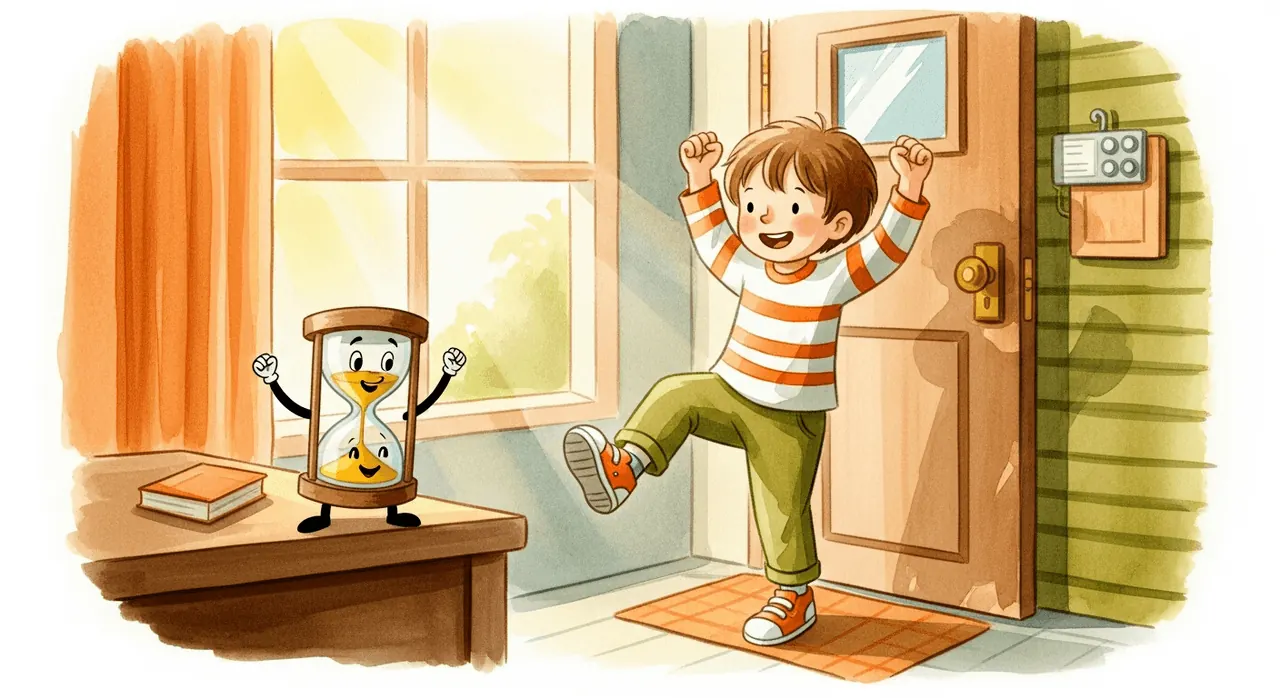
How to help kids get dressed and out the door
Try prepared clothes, one clear step and music with visual progress for getting dressed. Find a song and length that suit your child’s morning routine.
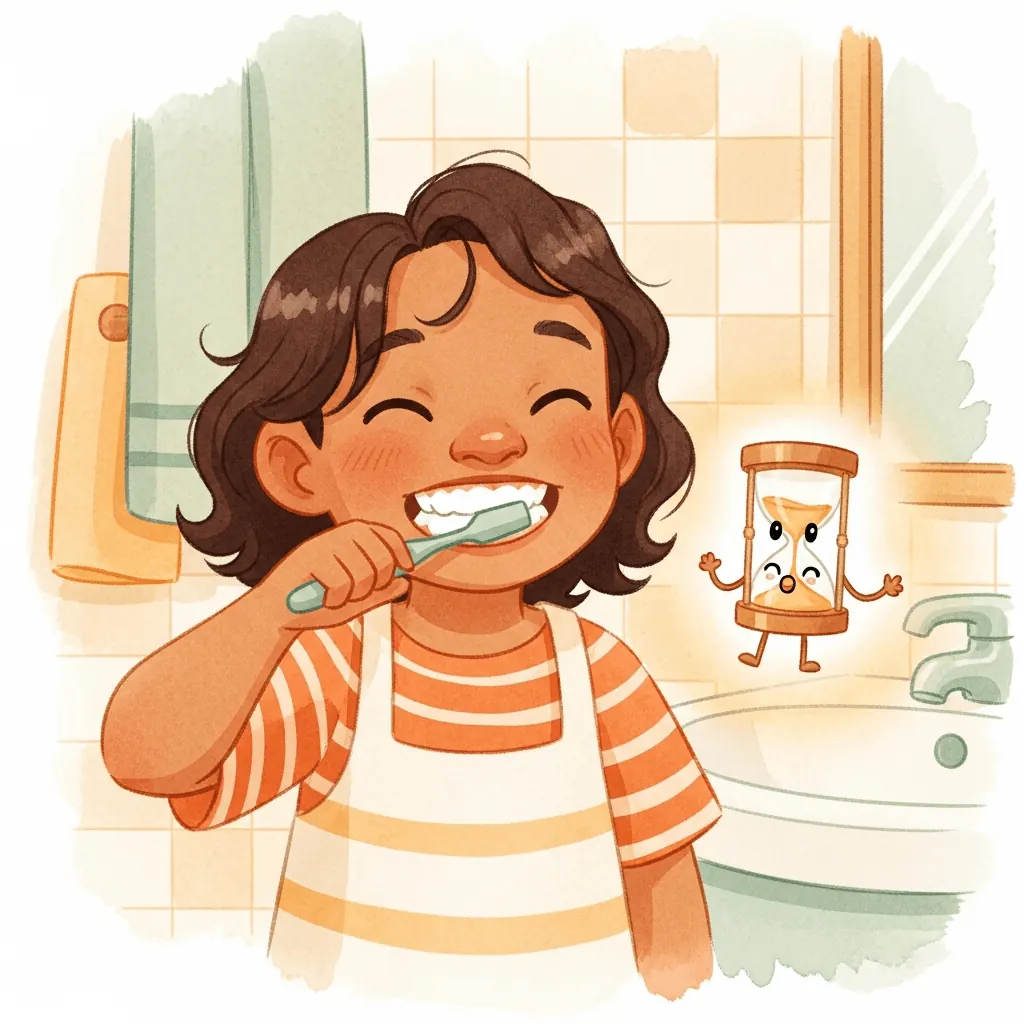
A children’s bedtime routine: pyjamas, teeth and reading
Make the next bedtime step clear with prepared pyjamas, brushing together and reading. Choose musical or visual cues that suit your child.
How to help your child brush their teeth for at least two minutes
Build a toothbrushing routine with adult help, music and visual progress working together. See how Lickety Split makes brushing for at least two minutes playful.