

Prepare the sequence before bedtime
- Put comfortable pyjamas and the toothbrush where they will be used.
- Show the order with words or pictures: pyjamas, teeth, then a book.
- Offer a small choice, such as which book to read, without adding lots of decisions.
- Give one instruction and practical help: “Let’s put your arm through this sleeve.”
- After brushing, move to reading together. Keep the ending gentle and familiar.
If putting on pyjamas becomes a struggle
Check that the pyjamas feel comfortable and offer help with the first step. Try a playful “PJs on before the song ends” challenge, with the music and pictures showing time passing together. If your child needs a different pace, choose a familiar song of a suitable length with Your Song, Your Length.
Brushing is a keep-going task
Aim for brushing twice a day for at least two minutes, with adult help as needed. The ADA suggests songs and brushing apps as ways to make brushing engaging. American Dental Association
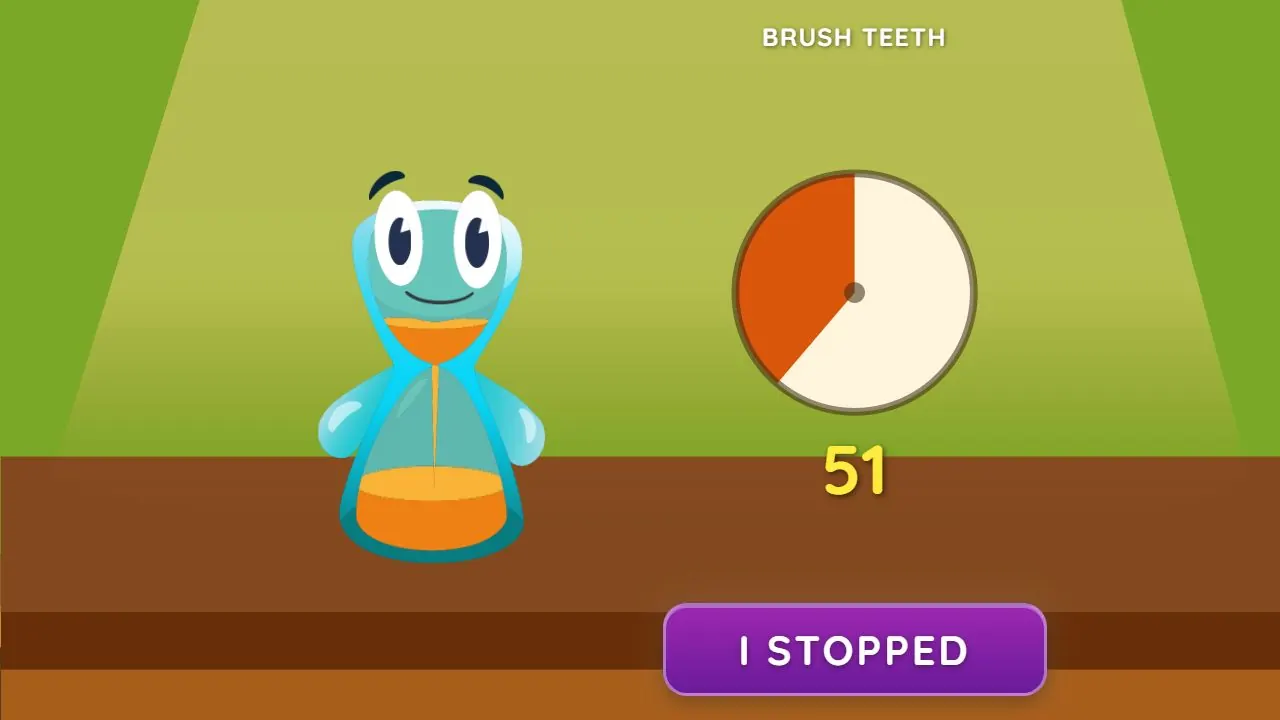
Start Brush Teeth and brush together until the music ends. Its music and animated progress give a clear cue to keep going. If your child stops early, you tap “I Stopped”; the duck sequence is intended to make the unfinished attempt a lighthearted moment and leave them keen to try for the success ending next time.
Reading does not need to become another race
Read together at a pace that suits your family. Lickety Split’s Reading Time task can mark a reading period with music and visual progress. The app does not chain the bedtime steps automatically; a picture sequence or grown-up shows what comes next.
Choose a song and pace for your bedtime routine
We tested and selected the task songs to make everyday routines playful and encouraging, rather than pressuring, for most children. Every child is different. Listen together and notice which music and pace feel right for your child.
To use a favorite, choose Your Song, Your Length (Custom Song in older versions of the app) in either timer menu and pick a song stored on your device. Choose one with a length that suits the task; the song’s own length becomes the timer, and the visual timer follows along. Use it in the iPhone or Android app, or in a browser on Android. On iPhone, use the installed app to choose your own song.
For evening tasks, work with your child to find a song that feels comfortable and familiar. Musical and visual time cues are useful for all children learning routines; autistic children and children with ADHD can find that clarity especially helpful. The app marks routine tasks rather than putting children to sleep.
Lickety Split
Use a different cue for each bedtime step
Start PJs On to give getting changed a playful musical and visual cue. Then start Brush Teeth and brush together until the song ends. Move on to reading together, using Reading Time if you want a cue for that period. Start each task yourself as the routine progresses, and choose a favorite song of a suitable length when you want to adapt the pace.
Words to try
“First pyjamas, then teeth, then our book. I’ll help you get started.”
Sources and further reading
Related guides
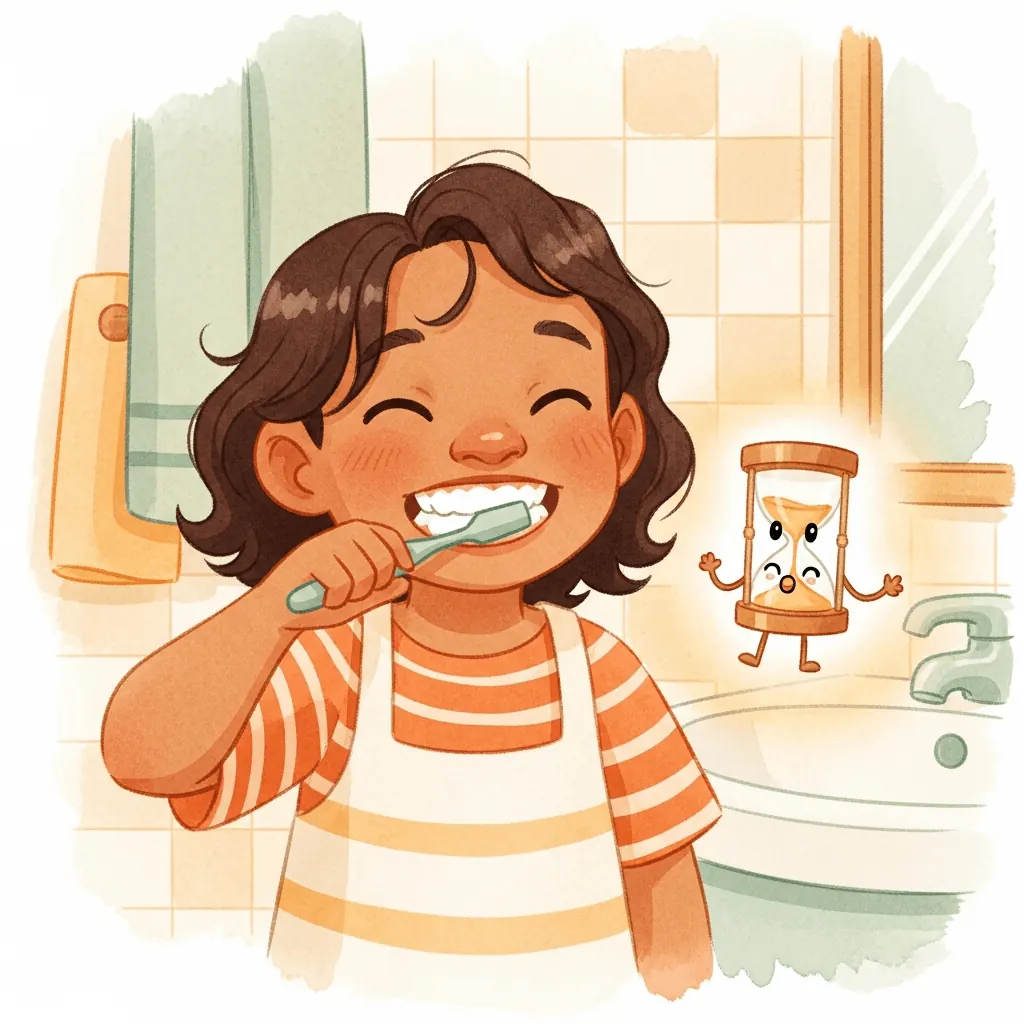
How to help your child brush their teeth for at least two minutes
Build a toothbrushing routine with adult help, music and visual progress working together. See how Lickety Split makes brushing for at least two minutes playful.
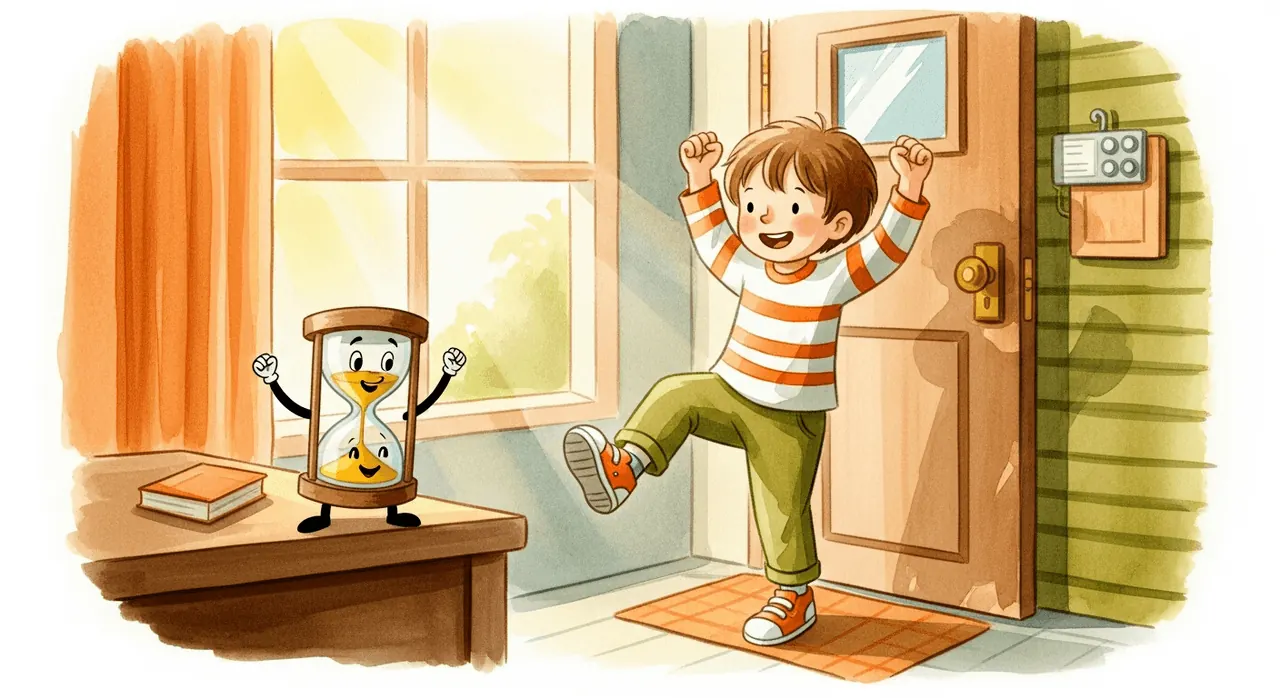
How to help kids get dressed and out the door
Try prepared clothes, one clear step and music with visual progress for getting dressed. Find a song and length that suit your child’s morning routine.
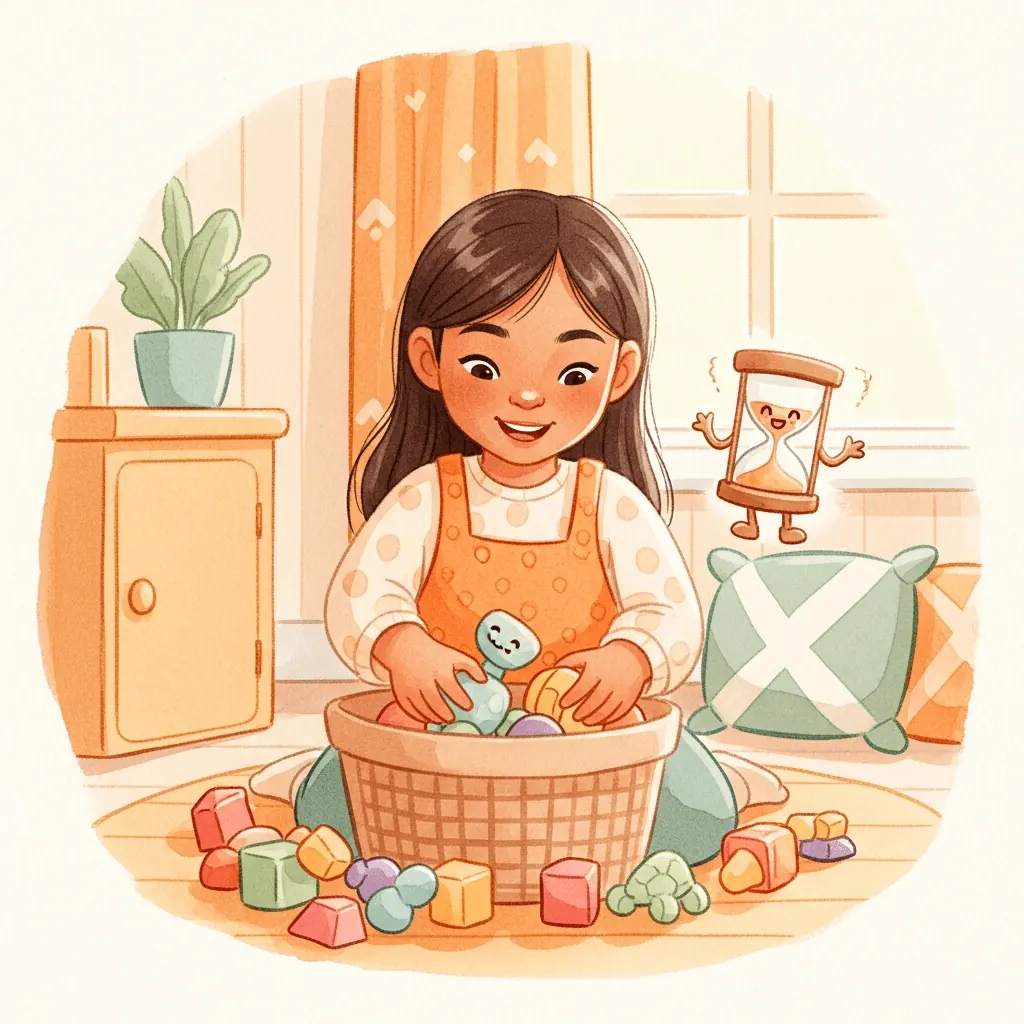
How to help kids clean up toys and tidy their room
Turn “clean your room” into one manageable job. Try a clear sorting target, a grown-up’s first example and a visual and musical cleanup timer.