

A visual timer and a visual schedule do different jobs
A timer shows time passing. A visual schedule shows the order of activities. For getting dressed, a picture sequence might show clothes, shoes, then the door; a timer can mark one of those steps. Neither tool replaces help with the task.
NICE recommends meaningful visual supports and attention to individual sensory sensitivities in settings supporting autistic children. That supports choosing understandable cues; it does not establish the effectiveness of a particular timer app. NICE
Introduce the cue before a difficult transition
- Explore the cue together when there is no urgent deadline. Show the start, the progress display and the ending.
- Choose a familiar, manageable task rather than the hardest transition of the day.
- State what comes next: “We’ll put the blocks in this box, then choose a book.”
- Offer support during the task and allow time to process the next instruction.
- Watch the child’s response. Keep, change or stop the cue based on whether it helps them participate comfortably.
Music and visuals work together
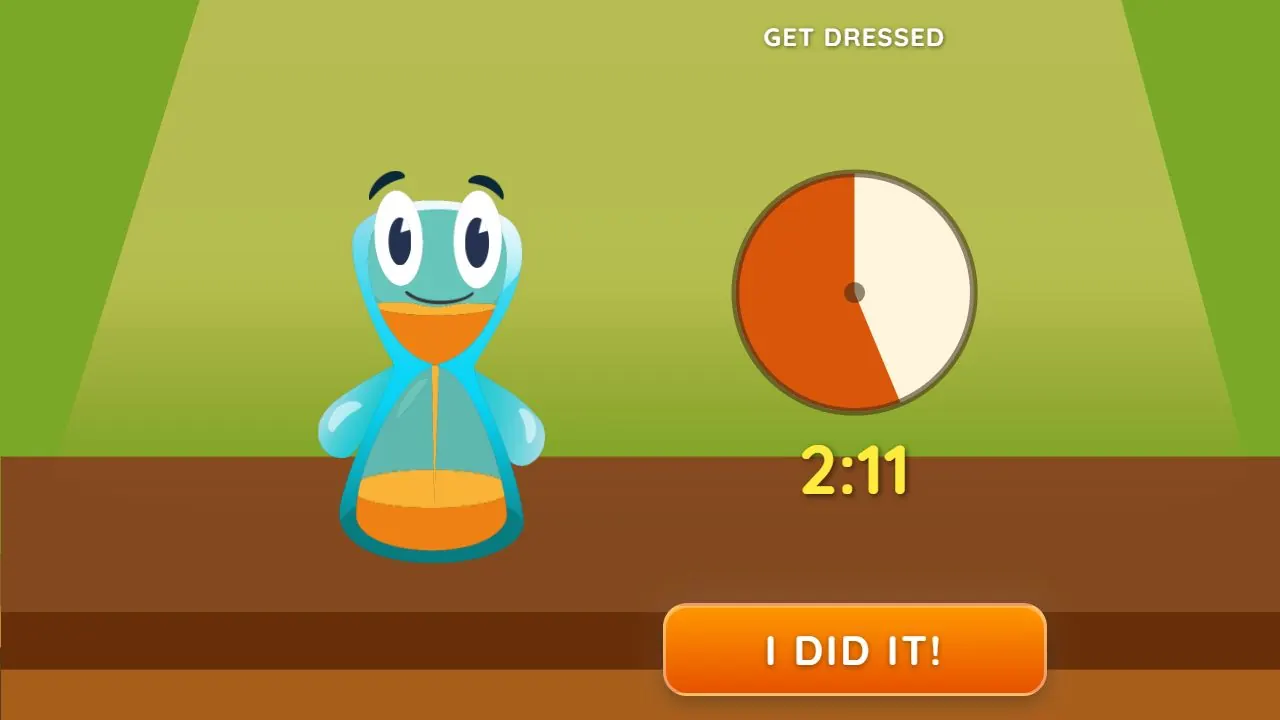
The song lets your child hear time passing while looking at clothes or toys; the visual timer shows that same progress whenever they glance at the screen. Lickety Split combines those cues with a spoken task prompt. The music speeds up as the end approaches, and the endings include duck sounds or laughter. Explore the song, pictures and ending together so they become familiar.
We tested and selected the task songs to make everyday routines playful and encouraging, rather than pressuring, for most children. Every child is different. Listen together and notice which music and pace feel right for your child.
To use a favorite, choose Your Song, Your Length (Custom Song in older versions of the app) in either timer menu and pick a song stored on your device. Choose one with a length that suits the task; the song’s own length becomes the timer, and the visual timer follows along. Use it in the iPhone or Android app, or in a browser on Android. On iPhone, use the installed app to choose your own song.
Find a comfortable routine and pace
Try the routine together and adjust both the task and the music to your child. Comfortable clothes, knowing what happens next and having a moment to finish the current activity all matter. A favorite song of a suitable length can give the routine a familiar pace. If your child is upset, pause and work with them to understand what needs adjusting; people who know your child can help.
What this guide can—and cannot—claim
This is a studio-written guide to trying everyday routine cues, not clinical advice. We have not identified a published clinical evaluation of Lickety Split. Guidance about visual supports is not proof that the app improves autistic children’s attention or prevents distress.
Lickety Split is designed for all kids’ everyday routines. Learning what a period of time feels like is a challenge all children grow through; autistic children and children with ADHD can find music and visual progress especially useful when they need a clear beginning and ending.
Lickety Split
Explore the dressing cue together
Explore Get Dressed together. Show how the music and visual progress work together, then explain the ending: finishing and tapping “I did it!” gives a reward; the duck joins in if the music runs out. The duck ending is intended as a lighthearted moment that leaves your child wanting to try again. For brushing, keep going until the song ends; if your child stops early, you tap “I Stopped.”
Words to try
“We’ll put the blocks in this box, then choose a book. Let’s listen to the ending together first.”
Sources and further reading
Related guides
How to help kids get dressed and out the door
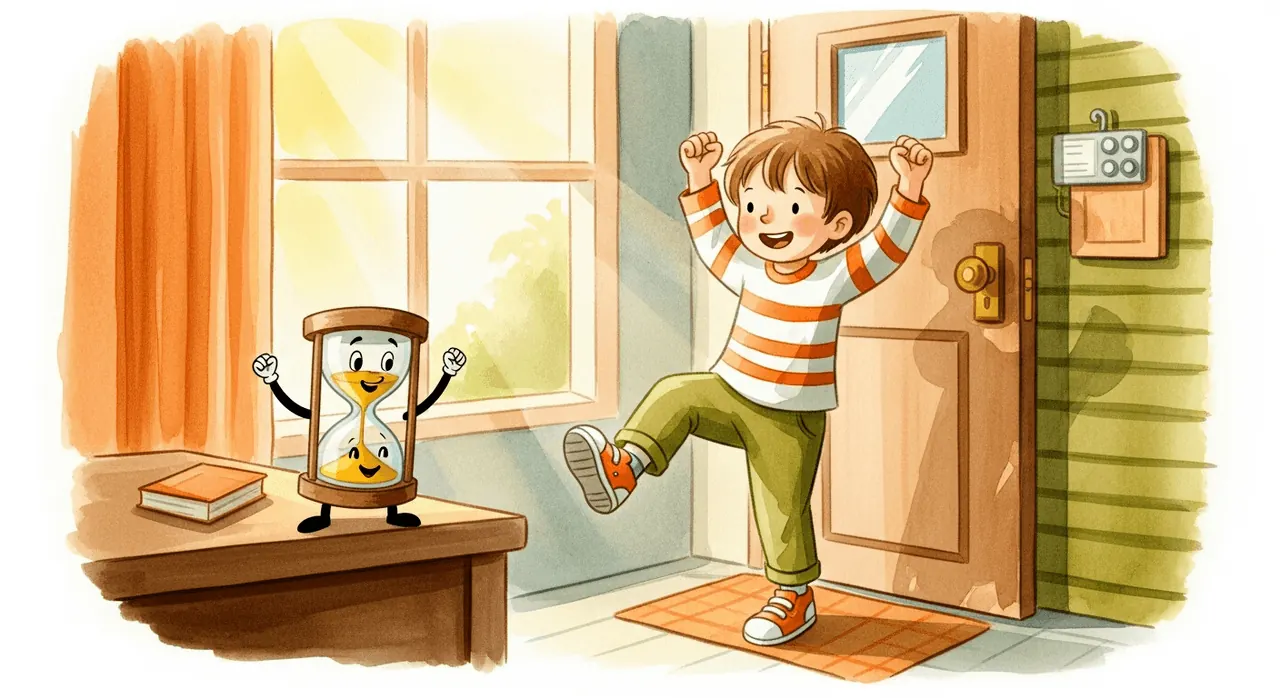
Try prepared clothes, one clear step and music with visual progress for getting dressed. Find a song and length that suit your child’s morning routine.

How to help kids clean up toys and tidy their room
Turn “clean your room” into one manageable job. Try a clear sorting target, a grown-up’s first example and a visual and musical cleanup timer.
Visual timers and ADHD: supporting children’s everyday routines
Musical and visual timers make time concrete for all kids. See how children with ADHD can use the combined cues, clear next steps and a familiar song for routines.